How do I change between light and dark mode?
Data Cabinets Direct supports three website appearance settings: Light, Dark and System.
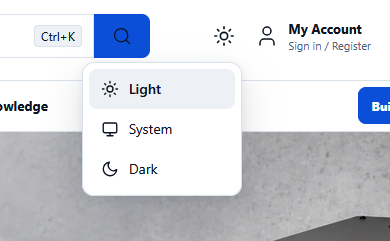
Select the appearance icon in the website header, next to My Account. Choose Light for a lighter appearance, Dark for a darker appearance, or System to automatically follow your device's appearance settings.
Thanks — glad it helped.
0 people found this useful