How do I label the RJ45 module?
Use the user-defined marking area behind the hinged transparent label holder. Open the holder, fit your identifier and close it again so the marking remains visible and protected.
Thanks — glad it helped.
0 people found this useful
More from Module features & Euro compatibility
Explore related questions about module features & euro compatibility.
Products this answer covers
This answer applies to 18 products in the Products Using 25 x 50 mm RJ45 Data Modules range.
Asked about this product
Product image unavailable Original product context Cat5e Low-Profile 25 × 50 mm RJ45 Data Module SKU: DLX-E-MOD-C5E-25X50MM View product →This answer also applies to
A selection of other products covered by the same answer.
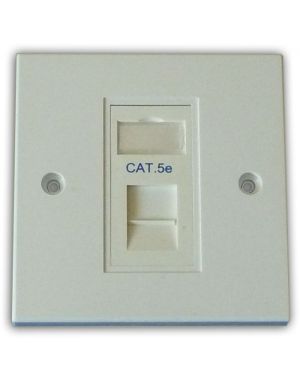 Cat5e 1-Way Data Outlet Kit
SKU: DLX-Z-MFP-C5E-1-B
View product →
Cat5e 1-Way Data Outlet Kit
SKU: DLX-Z-MFP-C5E-1-B
View product →
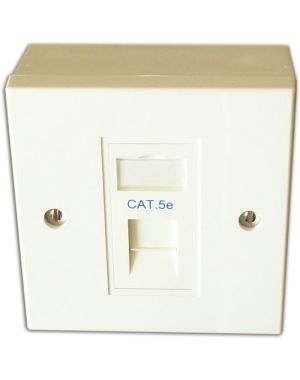 Cat5e 1-Way Data Outlet Kit with Backbox
SKU: DLX-Z-BBMFP-C5E-1-B
View product →
Cat5e 1-Way Data Outlet Kit with Backbox
SKU: DLX-Z-BBMFP-C5E-1-B
View product →
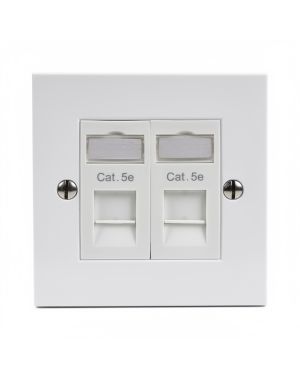 Cat5e 2-Way Data Outlet Kit
SKU: DLX-Z-MFP-C5E-2-B
View product →
Cat5e 2-Way Data Outlet Kit
SKU: DLX-Z-MFP-C5E-2-B
View product →
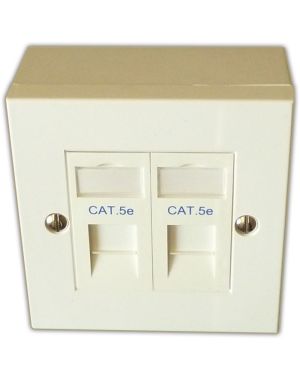 Cat5e 2-Way Data Outlet Kit with Backbox
SKU: DLX-Z-BBMFP-C5E-2-B
View product →
Cat5e 2-Way Data Outlet Kit with Backbox
SKU: DLX-Z-BBMFP-C5E-2-B
View product →
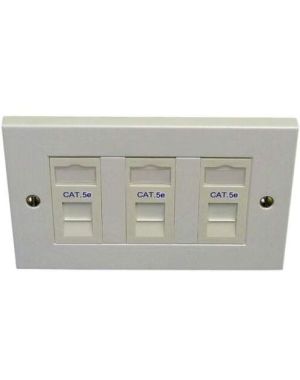 Cat5e 3-Way Data Outlet Kit
SKU: DLX-Z-MFP-C5E-3-B
View product →
Cat5e 3-Way Data Outlet Kit
SKU: DLX-Z-MFP-C5E-3-B
View product →
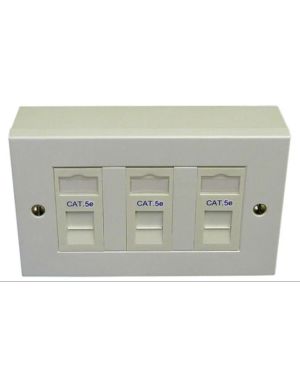 Cat5e 3-Way Data Outlet Kit with Backbox
SKU: DLX-Z-BBMFP-C5E-3-B
View product →
Cat5e 3-Way Data Outlet Kit with Backbox
SKU: DLX-Z-BBMFP-C5E-3-B
View product →