How do you actually connect the Ethernet cable at the back of the module?
The installation cable terminates directly onto the IDC contacts at the rear of the RJ45 module. You lay the individual conductors into the colour-coded positions and punch them down; there is no RJ45 plug on that end.
The first attempt can look like a small nest of coloured conductors, but the markings make much more sense once the pairs are actually in front of you.
Thanks — glad it helped.
0 people found this useful
More from Installation & wiring
Explore related questions about installation & wiring.
Products this answer covers
This answer applies to 18 products in the Products Using 25 x 50 mm RJ45 Data Modules range.
Asked about this product
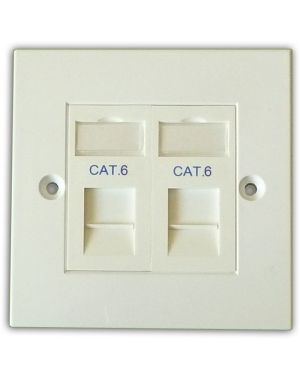 Original product context
Cat6 2-Way Data Outlet Kit
SKU: DLX-Z-MFP-C6-2-B
View product →
Original product context
Cat6 2-Way Data Outlet Kit
SKU: DLX-Z-MFP-C6-2-B
View product →
This answer also applies to
A selection of other products covered by the same answer.
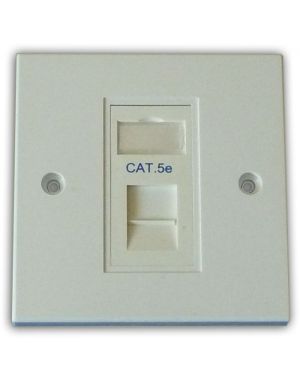 Cat5e 1-Way Data Outlet Kit
SKU: DLX-Z-MFP-C5E-1-B
View product →
Cat5e 1-Way Data Outlet Kit
SKU: DLX-Z-MFP-C5E-1-B
View product →
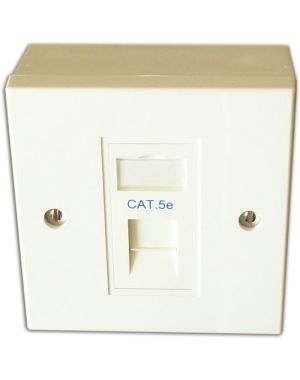 Cat5e 1-Way Data Outlet Kit with Backbox
SKU: DLX-Z-BBMFP-C5E-1-B
View product →
Cat5e 1-Way Data Outlet Kit with Backbox
SKU: DLX-Z-BBMFP-C5E-1-B
View product →
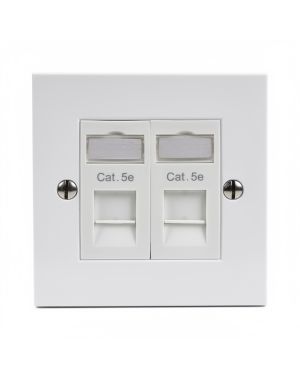 Cat5e 2-Way Data Outlet Kit
SKU: DLX-Z-MFP-C5E-2-B
View product →
Cat5e 2-Way Data Outlet Kit
SKU: DLX-Z-MFP-C5E-2-B
View product →
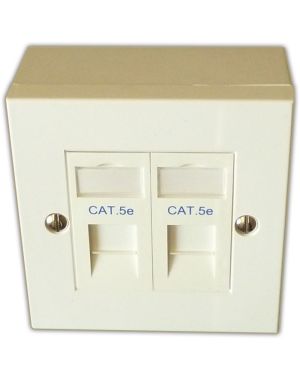 Cat5e 2-Way Data Outlet Kit with Backbox
SKU: DLX-Z-BBMFP-C5E-2-B
View product →
Cat5e 2-Way Data Outlet Kit with Backbox
SKU: DLX-Z-BBMFP-C5E-2-B
View product →
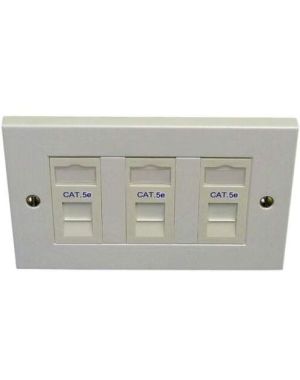 Cat5e 3-Way Data Outlet Kit
SKU: DLX-Z-MFP-C5E-3-B
View product →
Cat5e 3-Way Data Outlet Kit
SKU: DLX-Z-MFP-C5E-3-B
View product →
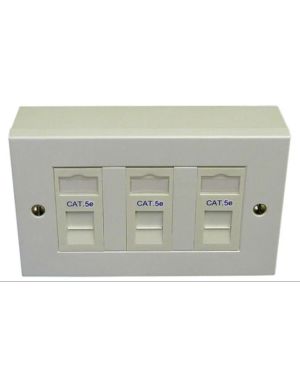 Cat5e 3-Way Data Outlet Kit with Backbox
SKU: DLX-Z-BBMFP-C5E-3-B
View product →
Cat5e 3-Way Data Outlet Kit with Backbox
SKU: DLX-Z-BBMFP-C5E-3-B
View product →