What should I check if the Ethernet link light does not come on?
Start with the simple things. Make sure both devices are powered, reseat the plugs, try another known-good patch lead and try another switch port.
If the cabling is through a patch panel or wall outlet, bypass that run temporarily if you can. A missing link light is usually a physical link or negotiation problem, so prove the short direct connection before chasing anything clever.
Thanks — glad it helped.
0 people found this useful
More from Installation & setup
Explore related questions about installation & setup.
Products this answer covers
This answer applies to 6 products in the Network Switches range.
Asked about this product
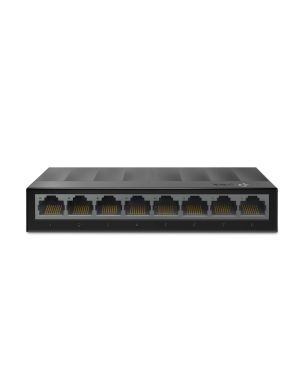 Original product context
TP-Link LS1008G 8-Port Gigabit Desktop Switch
SKU: LS1008G
View product →
Original product context
TP-Link LS1008G 8-Port Gigabit Desktop Switch
SKU: LS1008G
View product →
This answer also applies to
A selection of other products covered by the same answer.
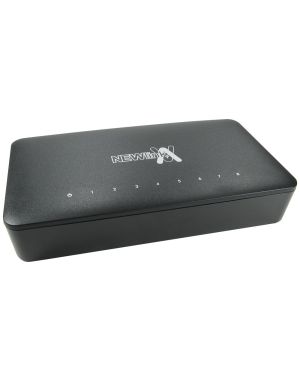 Newlink NLHUB-08FE 8-Port Fast Ethernet Desktop Switch
SKU: NLHUB-08FE
View product →
Newlink NLHUB-08FE 8-Port Fast Ethernet Desktop Switch
SKU: NLHUB-08FE
View product →
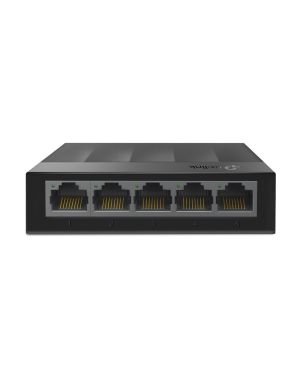 TP-Link LS1005G 5-Port Gigabit Desktop Switch
SKU: LS1005G
View product →
TP-Link LS1005G 5-Port Gigabit Desktop Switch
SKU: LS1005G
View product →
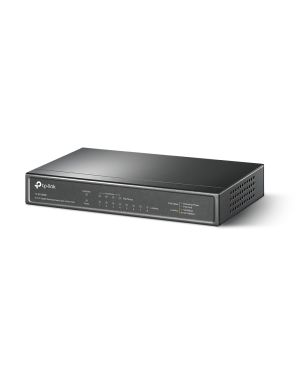 TP-Link TL-SG1008P 8-Port Gigabit PoE+ Switch
SKU: TL-SG1008P
View product →
TP-Link TL-SG1008P 8-Port Gigabit PoE+ Switch
SKU: TL-SG1008P
View product →
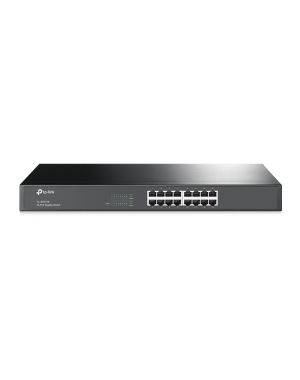 TP-Link TL-SG1016 16-Port Gigabit Rackmount Switch
SKU: TL-SG1016
View product →
TP-Link TL-SG1016 16-Port Gigabit Rackmount Switch
SKU: TL-SG1016
View product →